
Choosing Between Zoom, Vimeo, and Dedicated Event Platforms Such As Eventee
Event organisers now have a variety of platforms to choose from to broadcast their hybrid events to their online audiences. Three of the most popular options we see clients using are Zoom, Vimeo and a dedicated event platform such as our partner app, Eventee.
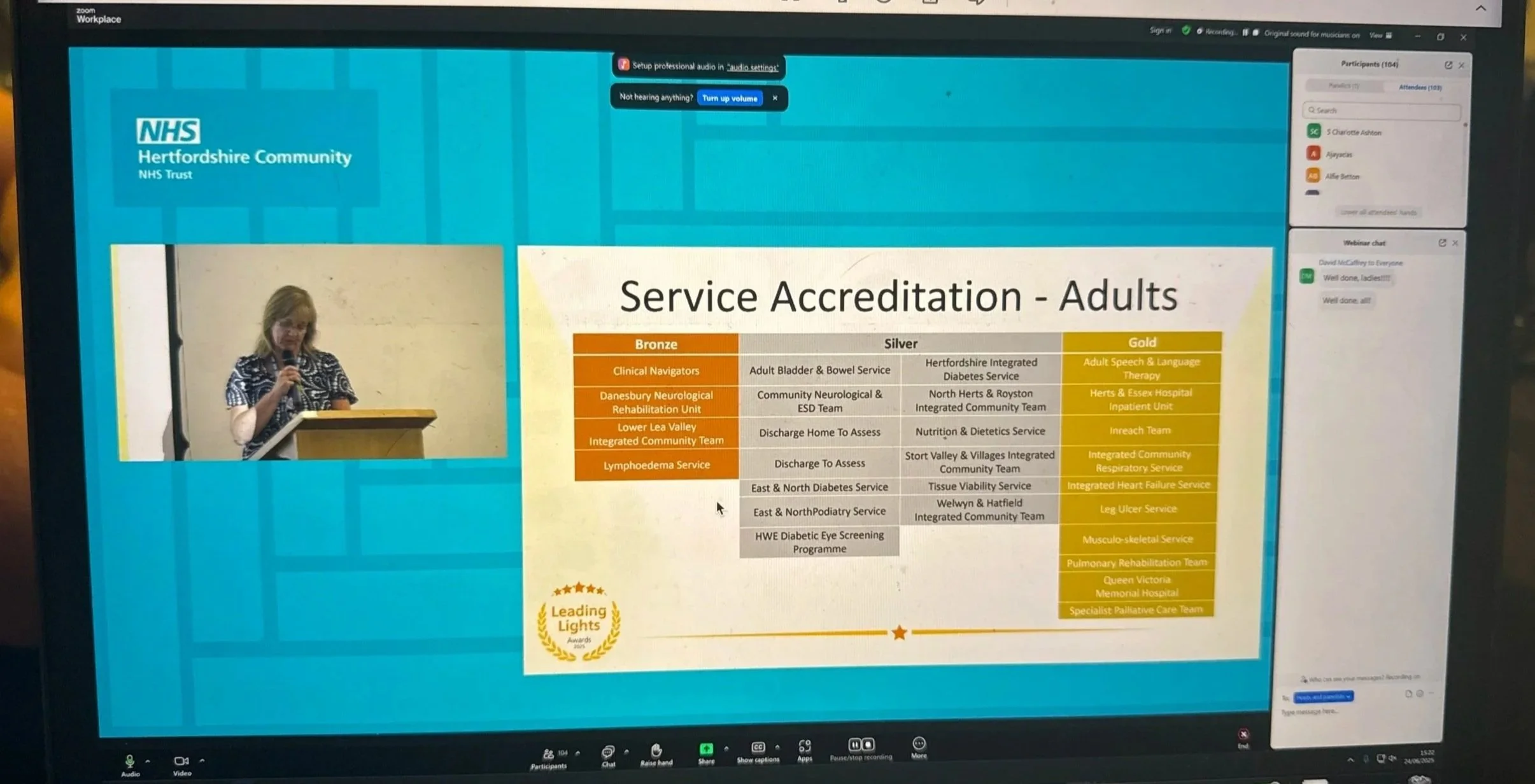
Streaming on Zoom with 100 people watching
Zoom is a simple, straightforward and cost-effective option that is universally recognised by audience members and requires very little configuration before the stream. Individuals can share webcam and audio, which some clients utilise for their AGMs. However, due to its simplicity, zoom events do not offer as many interactive features such as networking.
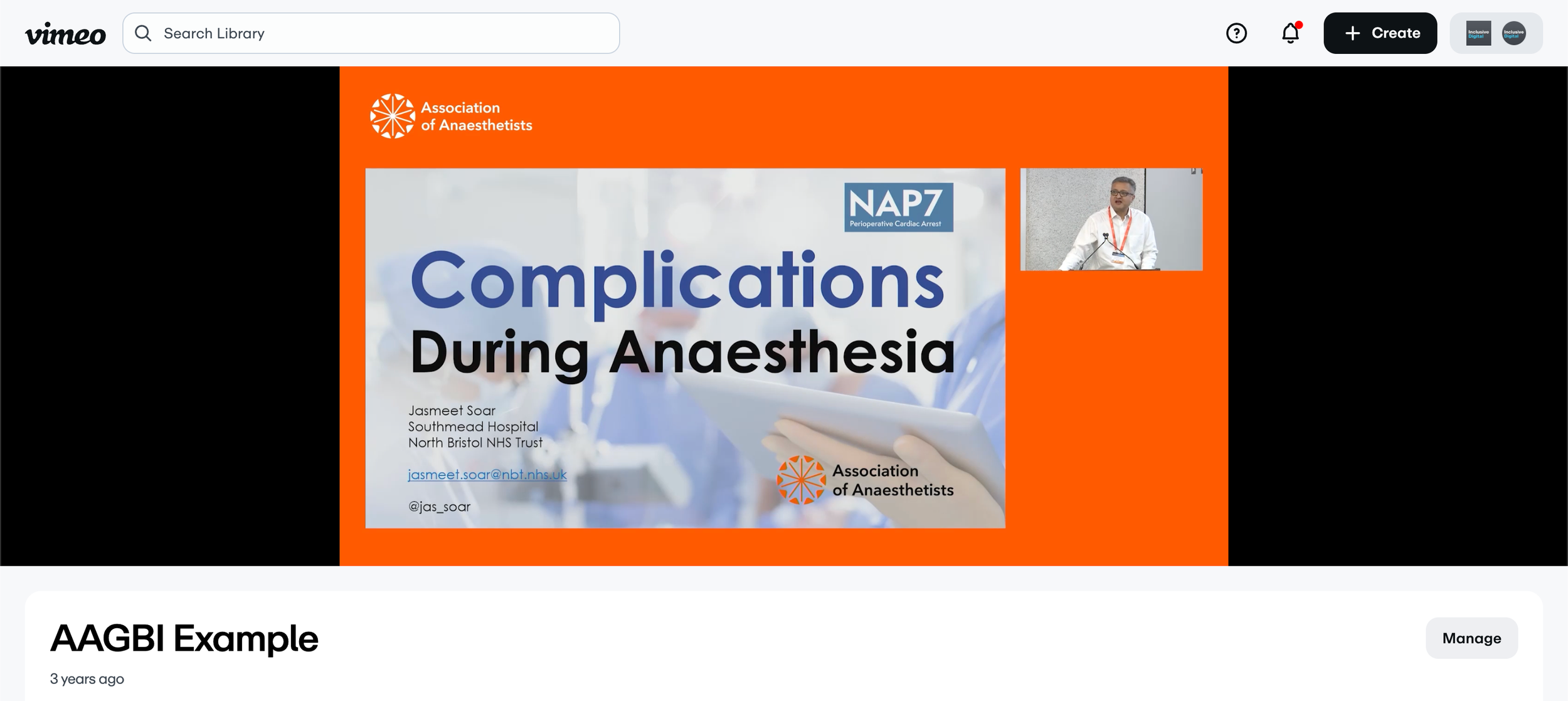
Audience view of a stream to Vimeo
Vimeo is a good match for those seeking the simplicity of Zoom but wanting a higher quality video feed. Vimeo also utilises our backup systems to ensure a more reliable viewing experience. It is worth noting that Vimeo does not have a dedicated registration system. This is because it is more designed for open-access streams, where a link is shared to watch, which is a departure from other virtual event platforms where attendee information is collected.
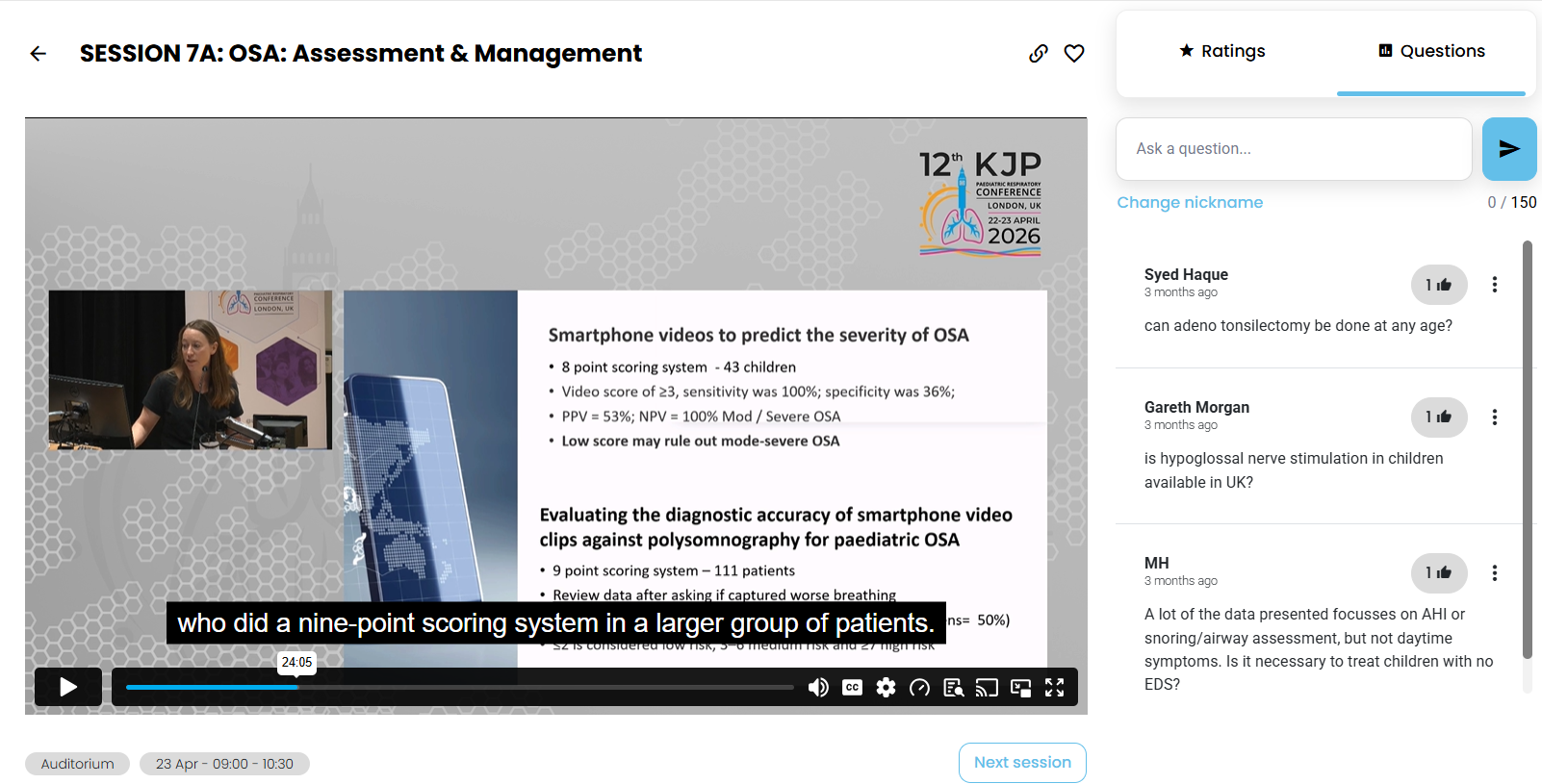
Livestreaming onto Eventee, where half the audience watched online.
Dedicated event platforms such as Eventee are the height of hybrid conference technology. This is the option that truly comes with all the bells and whistles. These event apps are built into a bespoke, interactive experience for your audience with unique features such as live questions and polls, interactive scheduling, speaker bios, a newsfeed, and networking. This helps to keep remote audience members engaged over the course of the entire event. These apps may not be chosen for smaller events such as half-day seminars due to higher costs and complexity when compared to other options. However, for large events with many online audience members or for multi-day events, a dedicated event app such as Eventee can help to keep things organised and interactive for in-person and at-home viewers.
Let’s work together to choose the best option for your event:
inclusive@inclusivenetwork.com
Phone
020 8050 1419