
How to Record Medical Presentations for On-Demand Viewing
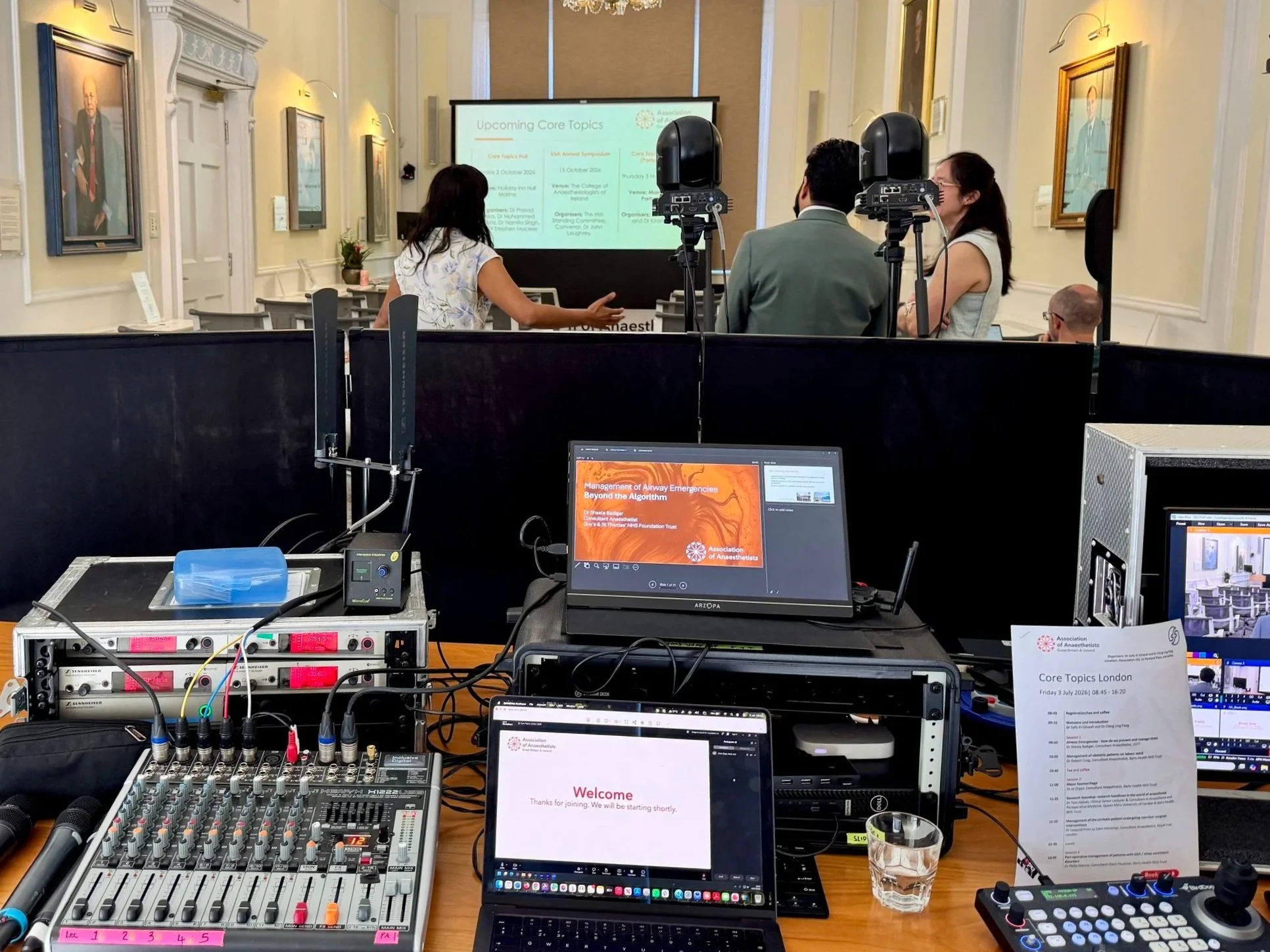
Livestreaming a medical event for online audiences
Making presentations available after a conference has become an expectation rather than a bonus. Busy healthcare professionals often can't attend every session, so providing on-demand conference content allows delegates to catch up at a time that suits them while extending the value of your event long after it has ended.
Creating high-quality medical education video starts with careful planning. It's important to think about how presentations will be viewed online, not just by those in the room. Using multiple cameras, capturing presentation slides directly and ensuring crystal-clear audio all contribute to a professional viewing experience that keeps audiences engaged.
A well-produced conference recording should also be easy to navigate. Many organisers now split presentations into individual sessions, making it simple for viewers to find the topics that interest them most. Adding speaker names and presentation titles can make the content even more accessible.
Medical presentations often include detailed diagrams, research data and complex terminology, so it's essential that visuals remain sharp and readable. Recording slides directly alongside the speaker helps preserve clarity.
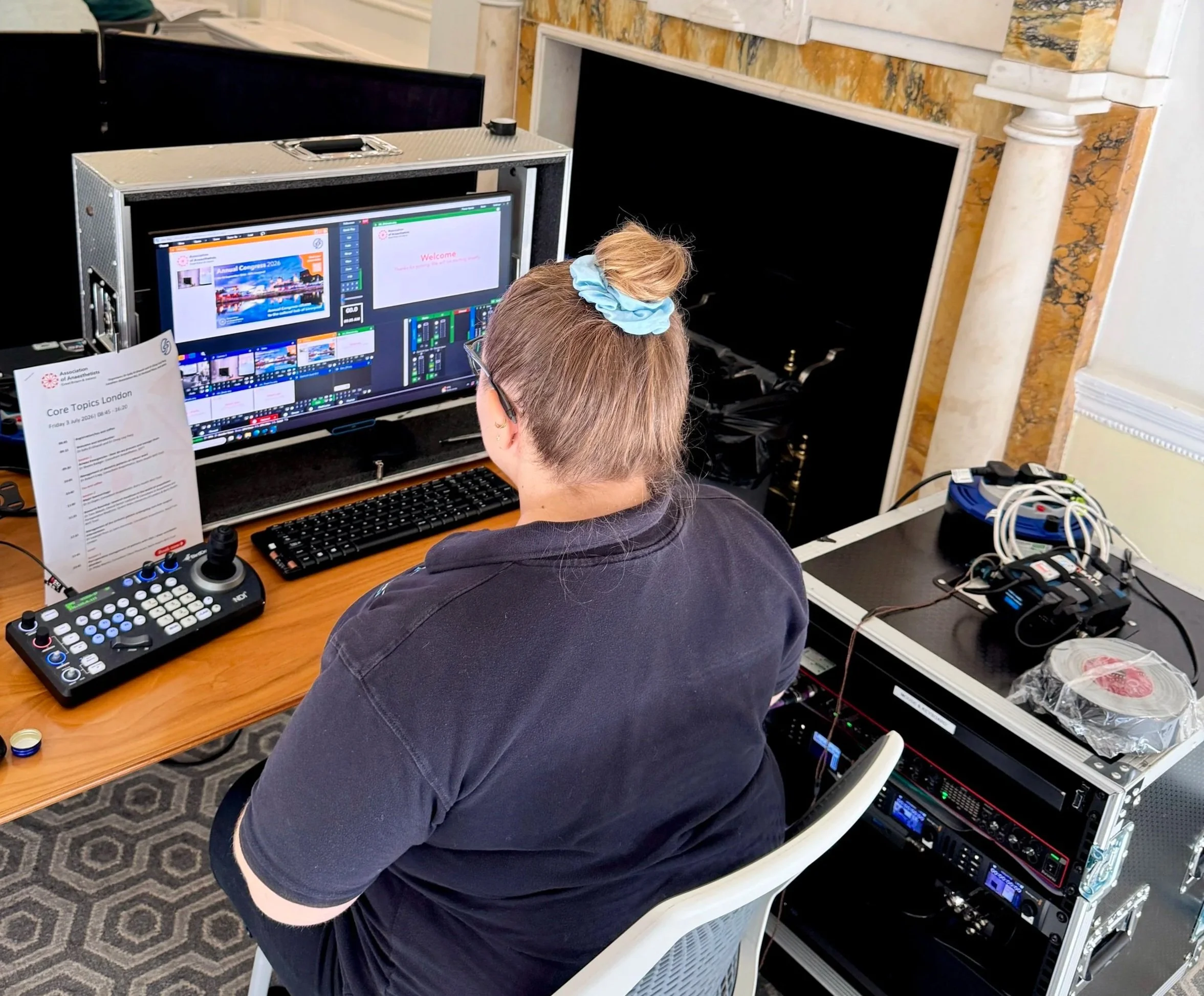
Vision mixing the stream so online audiences can clearly see the content.
When producing on-demand conference content, it's also important to consider permissions and compliance. Speakers should consent to their presentations being recorded and shared, while any patient information or sensitive material must be handled appropriately.
A professionally produced medical education video library can continue to deliver value for months after the event. Whether it's supporting continuing professional development, training healthcare teams or sharing the latest research with a wider audience, a high-quality conference recording allows your content to reach far beyond the conference hall.
Speak with us to record your next medical presentation for on-demand viewing:
inclusive@inclusivenetwork.com
Phone
020 8050 1419